
Let me share with you something I found a couple of months ago.
Managing labels and copywriting from the designs to the code is not an easy thing.
In particular, if you have many collaborators: product managers, UX designers, UX/copywriters, and developers.
Here is a small demo of how you can link all of that together.
- Adobe XD hosts your mock-up design
- Git (in my example GitHub) host your code and your labels
- The plugin Data Populator does the bridge
Of course, you can use this plugin for much more than that use case.
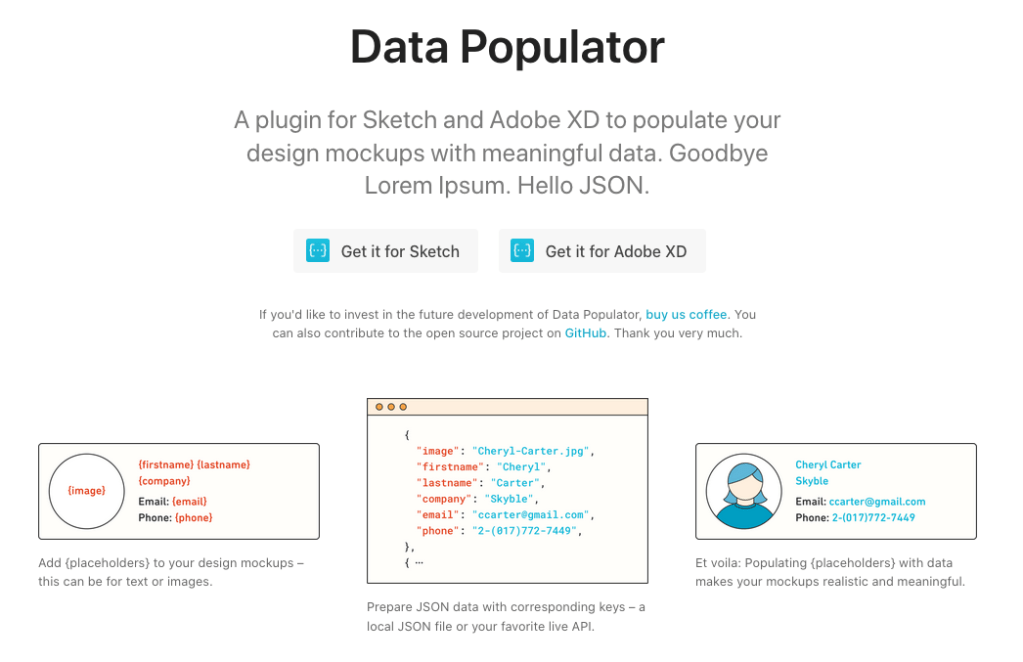
More info on the plugin here: https://www.datapopulator.com/.
The use case
Original demo.json with the wrong tone of voice, some typo, a useless title.
{
	"label":{
		"form_title": "Form title",
		"name_input": "Name",
		"name_placeholder": "Your Name",
		"group_input": "Group",
		"group_placeholder": "Your Group",
		"checkbox1": "Visible",
		"checkbox2": "Actived",
		"validation_button": "Ok"
	}
}
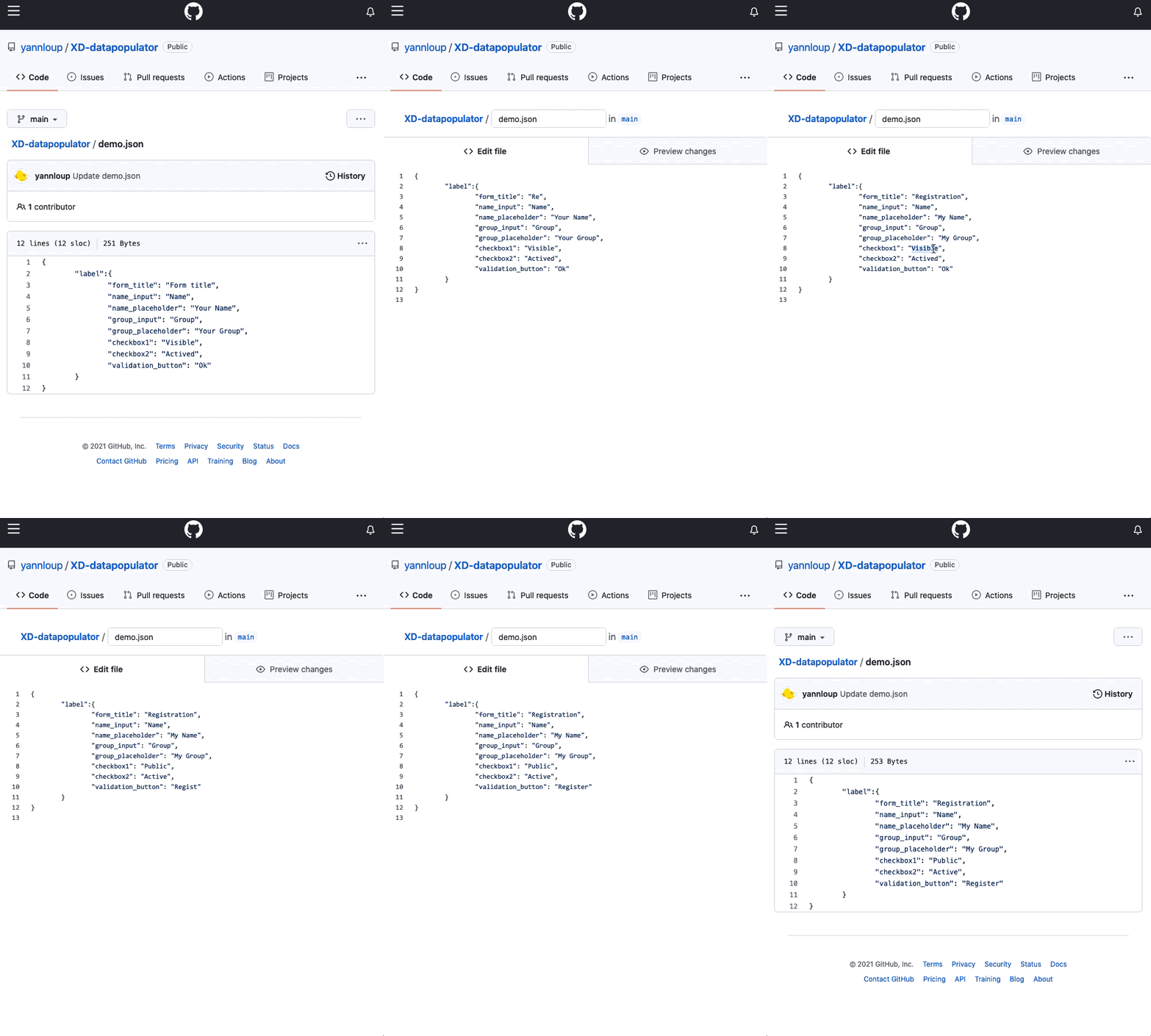
Updated demo.json with a better title, and a compliant tone of voice.
{
	"label":{
		"form_title": "Registration",
		"name_input": "Name",
		"name_placeholder": "My Name",
		"group_input": "Group",
		"group_placeholder": "My Group",
		"checkbox1": "Public",
		"checkbox2": "Active",
		"validation_button": "Register"
	}
}
Then on Adobe XD we have to use the Data Populator plugin to update the mock-up with the Populate button

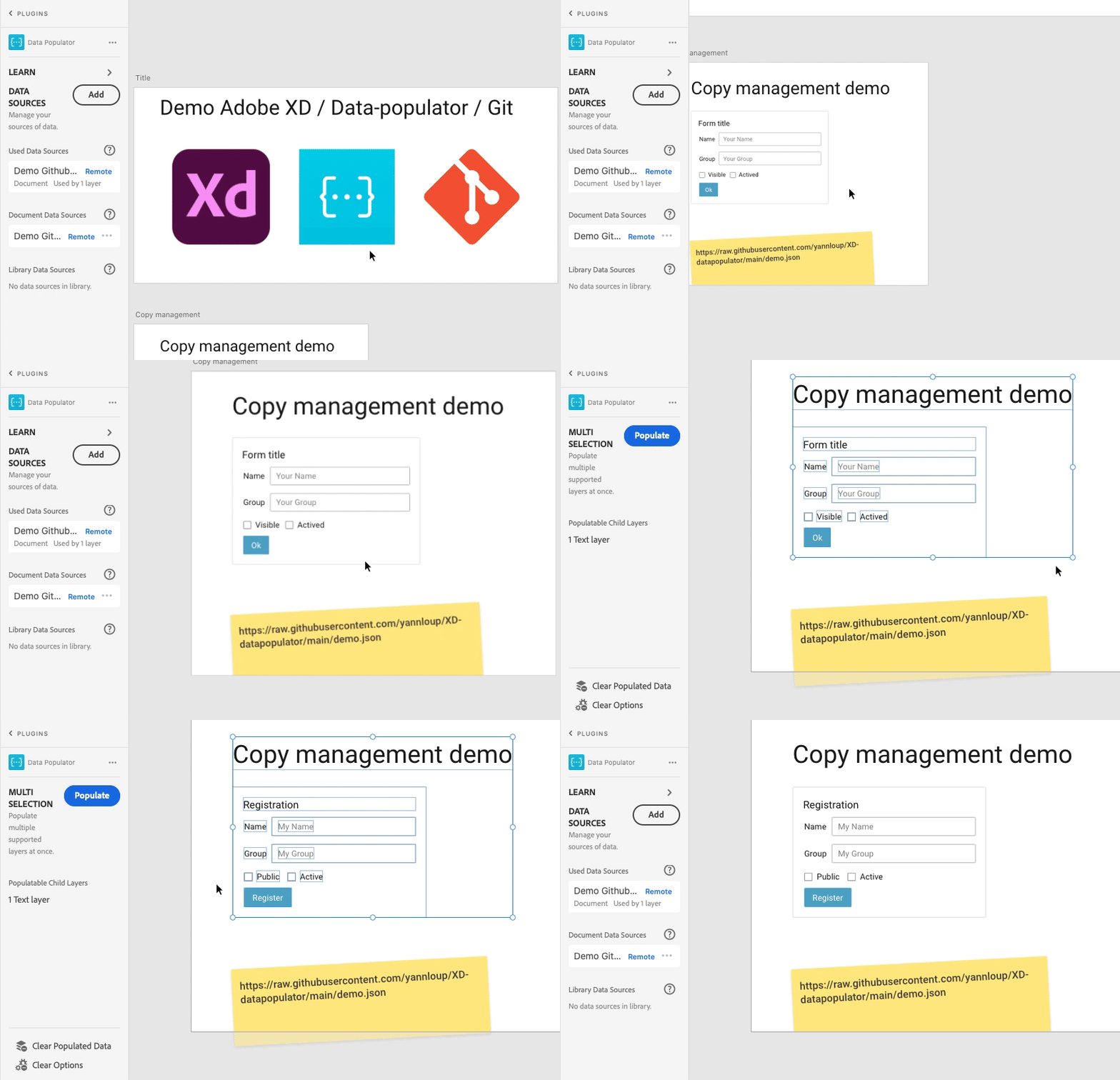
Et voilà !! Updated mock-up with one click with the data from demo.json.
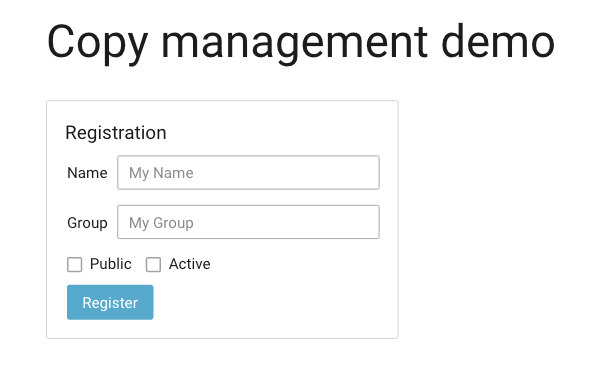
Example references:
- Git: https://github.com/yannloup/XD-datapopulator/blob/main/demo.json
- XD: https://xd.adobe.com/view/ed7bb5e1-5042-4614-a826-ee046737cac8-b828/
And you, how do you manage your copywriting?

 IT and stuff